

Microsoft Excel: Spreadsheets
Microsoft Excel: Spreadsheetsアプリ情報
-
アプリ名
Microsoft Excel: Spreadsheets
-
パッケージ名
com.microsoft.office.excel
-
カテゴリー
仕事効率化 -
最終更新日
2025/09/04
-
バージョン
16.0.19127.20134
Microsoft Excel: Spreadsheetsアプリの基本機能
Microsoft Excelは、スプレッドシートを使った計算やデータ分析に特化したアプリです。豊富なテンプレートを活用することで、効率的に作業が進められます。
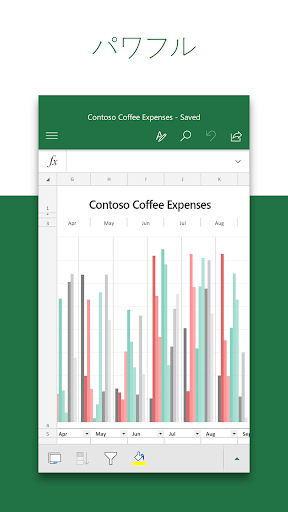
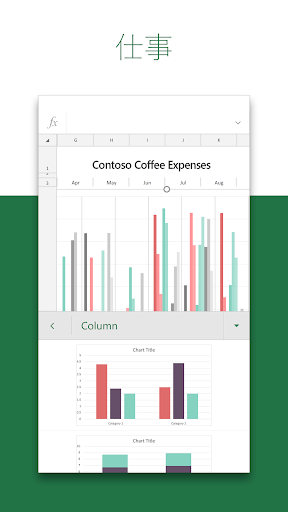
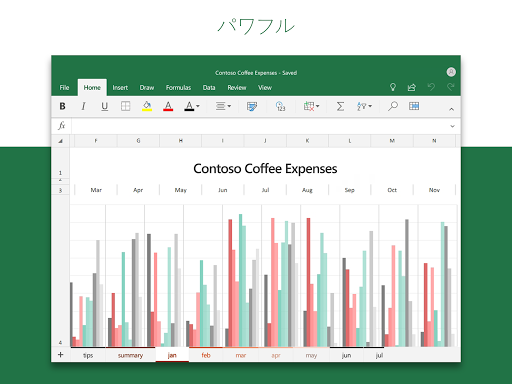
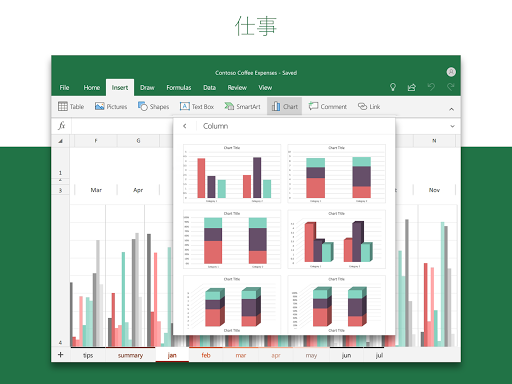
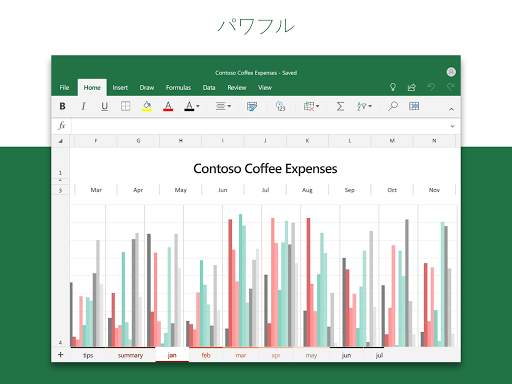
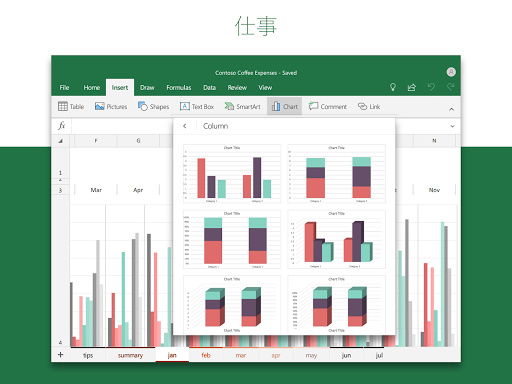
グラフ作成、予算管理、会計分析など多岐にわたる機能が搭載され、ビジュアル的にも優れたスプレッドシートを作成できます。
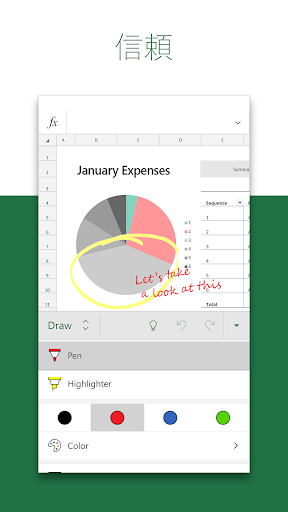
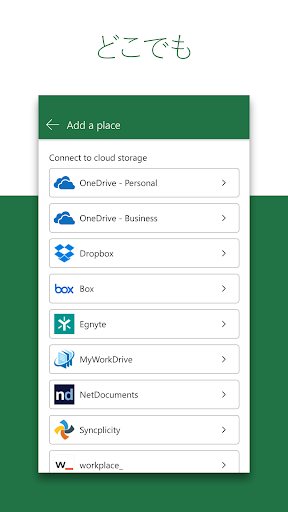
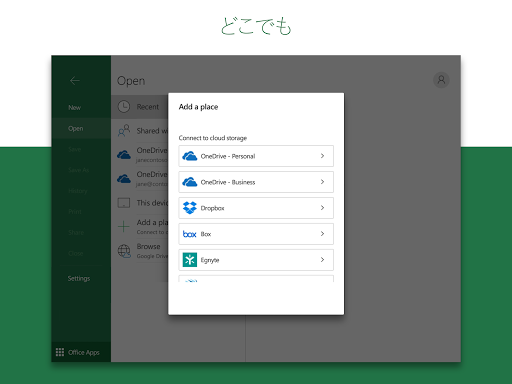
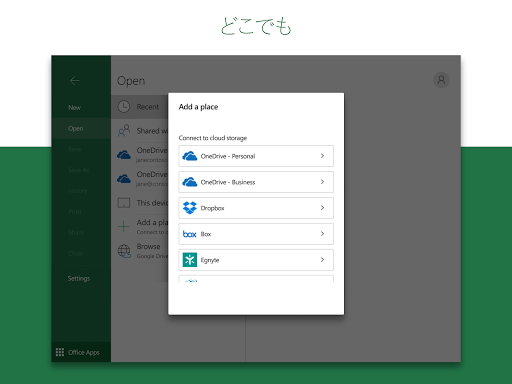
タッチデバイスでも快適な操作を実現する機能があり、どこでも作業が可能です。共同作業にも適した設計が魅力です。
Microsoft Excel: Spreadsheetsアプリの優れたポイント
1. 利便性の高いテンプレート: 利用できる多くのテンプレートが、タスクを迅速に完了する助けになります。
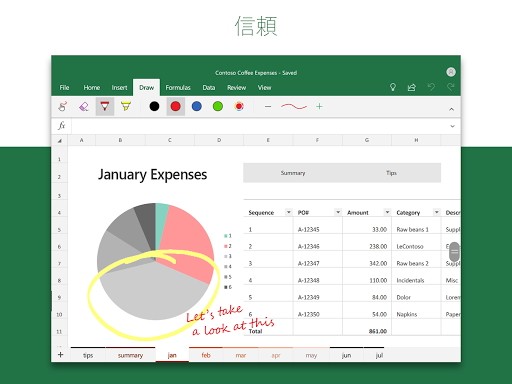
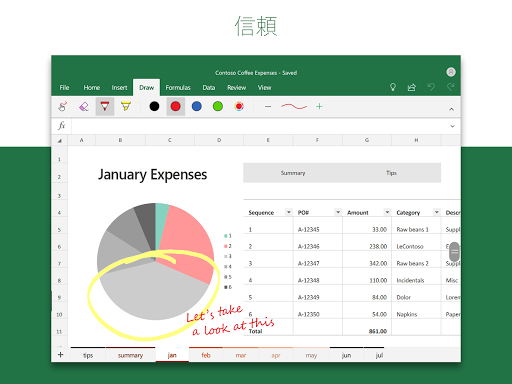
2. 直感的なデータ分析: グラフやピボットテーブルを使ったデータの視覚化が、理解を助けます。
3. 共同作業機能: 簡単に共有できるため、チームでのプロジェクトもスムーズに進められます。
4. AIアシスタントCopilot: データを迅速に解析し、効果的な提案を行う機能が使えます。
Microsoft Excel: Spreadsheetsアプリの改善点
1. アカウントの必要性: 一部の機能を利用するためには、Microsoftアカウントへのサインインが必要です。
2. スマホ版の制限: 小さい画面のデバイスでの作業では、視認性の面で不便を感じることがあります。
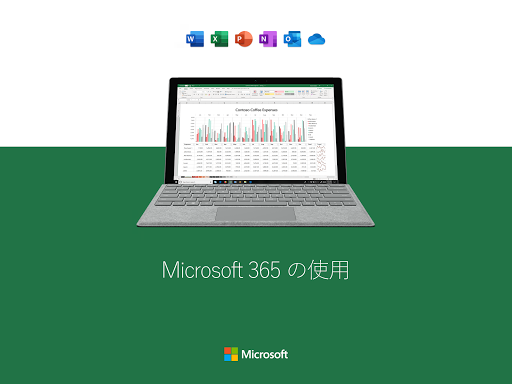
3. 購入手続きの煩雑さ: Microsoft 365のサブスクリプションを管理するのが煩わしいと感じるユーザーもいます。
Microsoft Excel: Spreadsheetsアプリのユーザー評価
多くのユーザーがExcelの使いやすさを評価しています。特に、豊富な機能と柔軟なカスタマイズに高評価です。
しかし一部のユーザーは、サブスクリプションモデルやアカウント管理に対する不満を表明しています。
全体的に見て、Excelはビジネスや教育の現場で非常に役立つアプリと言えるでしょう。


